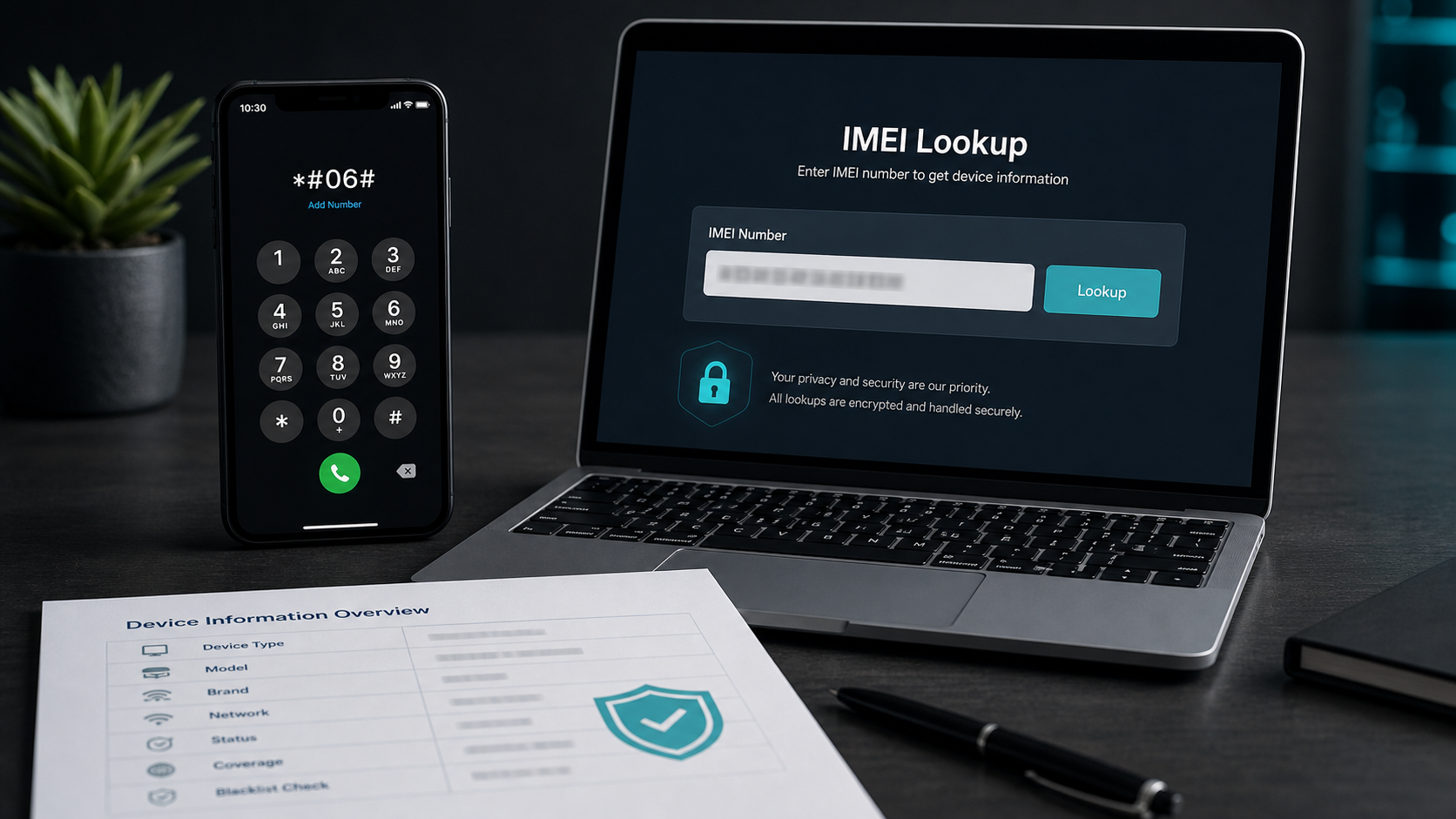
What is an IMEI number?
IMEI stands for International Mobile Equipment Identity. It is usually a 15-digit number assigned to a mobile device that can connect to cellular networks. Unlike a SIM card, which identifies a subscriber account, the IMEI identifies the equipment itself: the phone, tablet, modem or connected device.
That distinction matters. A SIM card can be moved between phones, but the IMEI remains tied to the device. This is why IMEI data is used in warranty processes, carrier systems, repair documentation, lost-or-stolen reports, insurance workflows, trade-in checks and second-hand phone verification.
A basic IMEI Check can often confirm the brand and model family. A more advanced check may include warranty status, carrier or simlock information, blacklist status, purchase or activation context, and additional device attributes where reliable data is available.
Why do an IMEI Check?
An IMEI Check is not only for technical users. It is a practical verification step whenever a phone's identity influences trust, price or usability. For consumers, it can reduce risk before buying a used smartphone. For business teams, it can make device intake, resale, support and fraud review more consistent.
- Used phone buyingCompare the seller's claims with the device model and status signals before payment.
- Blacklist awarenessCheck whether the device may be reported lost, stolen or blocked in available databases.
- Carrier and simlock reviewUnderstand whether a phone may be tied to a carrier or locked in a way that affects resale or activation.
- Warranty and service contextSupport repair, support, insurance and trade-in decisions with structured device details.
- Inventory quality controlScreen batches of phones more consistently before listing, refurbishing or shipping.
- Fraud reductionFlag mismatches between advertised model, visible device settings and IMEI lookup results.