
Why MyDevice.info Cannot Show Your IMEI Number
MyDevice.info can show a surprising amount of information about your browser, screen, network, permissions, sensors, and performance. That often raises a natural question: if the site can detect so much, why does it not simply display the phone IMEI? The short answer is privacy. The IMEI is not a normal browser signal, and modern operating systems intentionally keep it away from websites and most apps.
What MyDevice.info can actually see
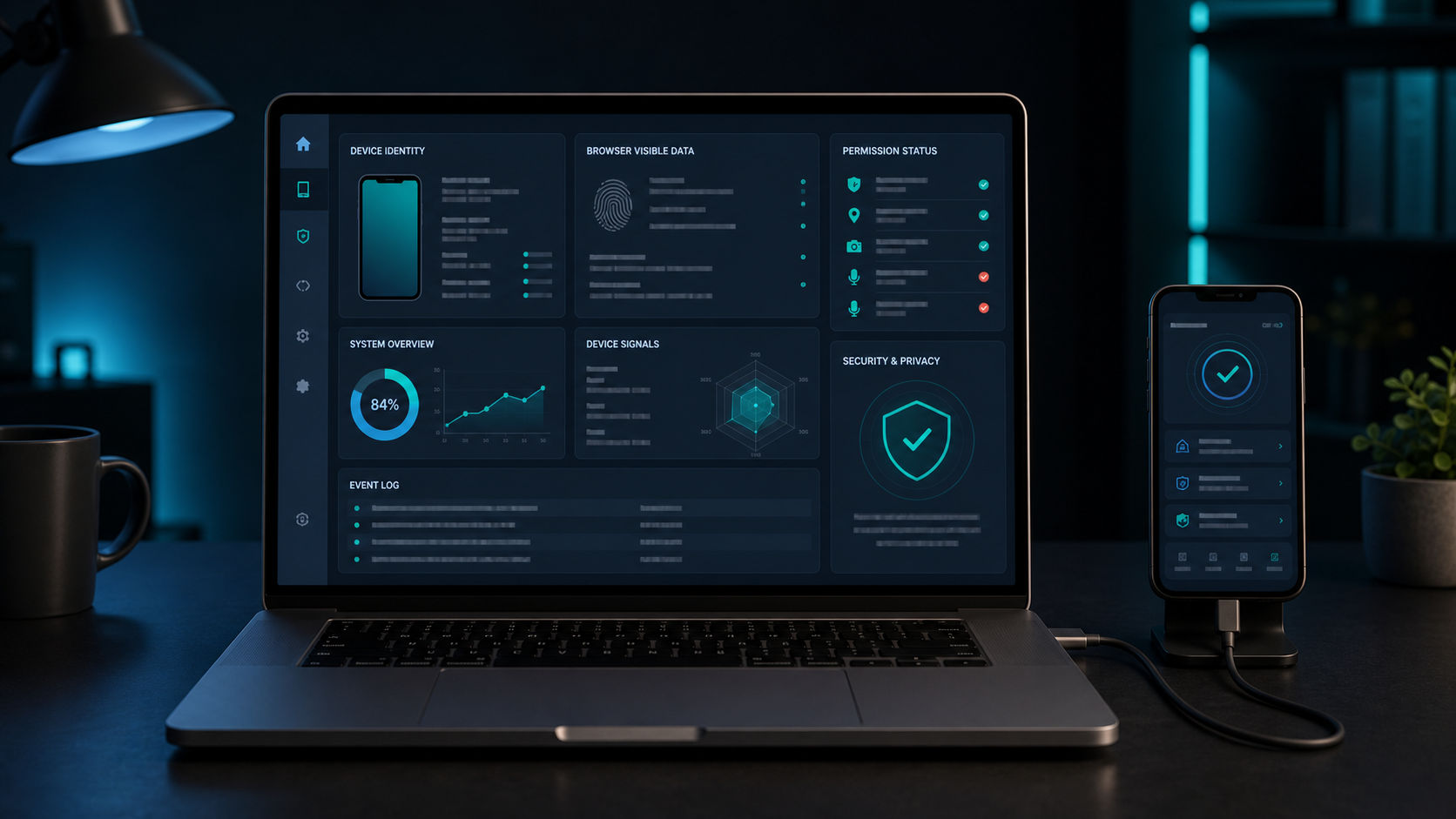
The dashboard on MyDevice.info works with browser-exposed Web APIs. Those APIs can reveal data such as browser name, user agent, screen resolution, time zone, language, touch support, network hints, permission status, WebGL capability, storage availability, and performance timing. Some values are precise, some are approximate, and some are deliberately hidden by privacy-focused browsers.
These values are useful because they show what a normal website may learn during a visit. They help users understand their browser environment, debug compatibility problems, and see where privacy protections are reducing detail. But they are still browser-level signals. They do not give a page access to the cellular modem, SIM identity, private files, photos, contacts, passwords, or hardware serial records.
Why IMEI is different
The IMEI, or International Mobile Equipment Identity, is a persistent cellular equipment identifier. It is designed for mobile networks, carriers, repair workflows, blacklists, warranty systems, and device databases. Because it is hardware-bound and not resettable by the user, exposing it to every website would create a powerful tracking risk. A single IMEI could follow the same physical phone across browsers, accounts, apps, and websites.
That is why browsers do not provide a JavaScript API for reading IMEI. There is no standard web function such as navigator.imei, and a secure website cannot bypass that browser sandbox. If a page claims it can display your IMEI automatically just because you visited it, that claim should be treated with caution.
Even modern apps usually cannot access IMEI
This restriction is not only about websites. Modern mobile operating systems also limit app access to IMEI and other permanent identifiers. Android 10 introduced strict limits for non-resettable identifiers such as IMEI and serial number. Ordinary third-party apps from Google Play cannot simply declare a privileged permission and read those values. Access is generally limited to special cases such as carrier-privileged apps, device-owner/profile-owner environments, the default SMS app, or privileged system software.
iOS is even more restrictive for typical App Store software. Apple exposes privacy-scoped identifiers such as identifierForVendor, which identifies a device only within the context of one app vendor and can change when all apps from that vendor are removed. iOS does not give normal apps a public IMEI-reading API.
In practice, this means a modern app may be able to show your phone model, iOS or Android version, screen size, battery-related information where permitted, network state, and app-specific identifiers. It usually cannot show the IMEI unless it is a privileged carrier, enterprise, system, or manufacturer tool with the right entitlement and environment.
How to find the IMEI on your phone
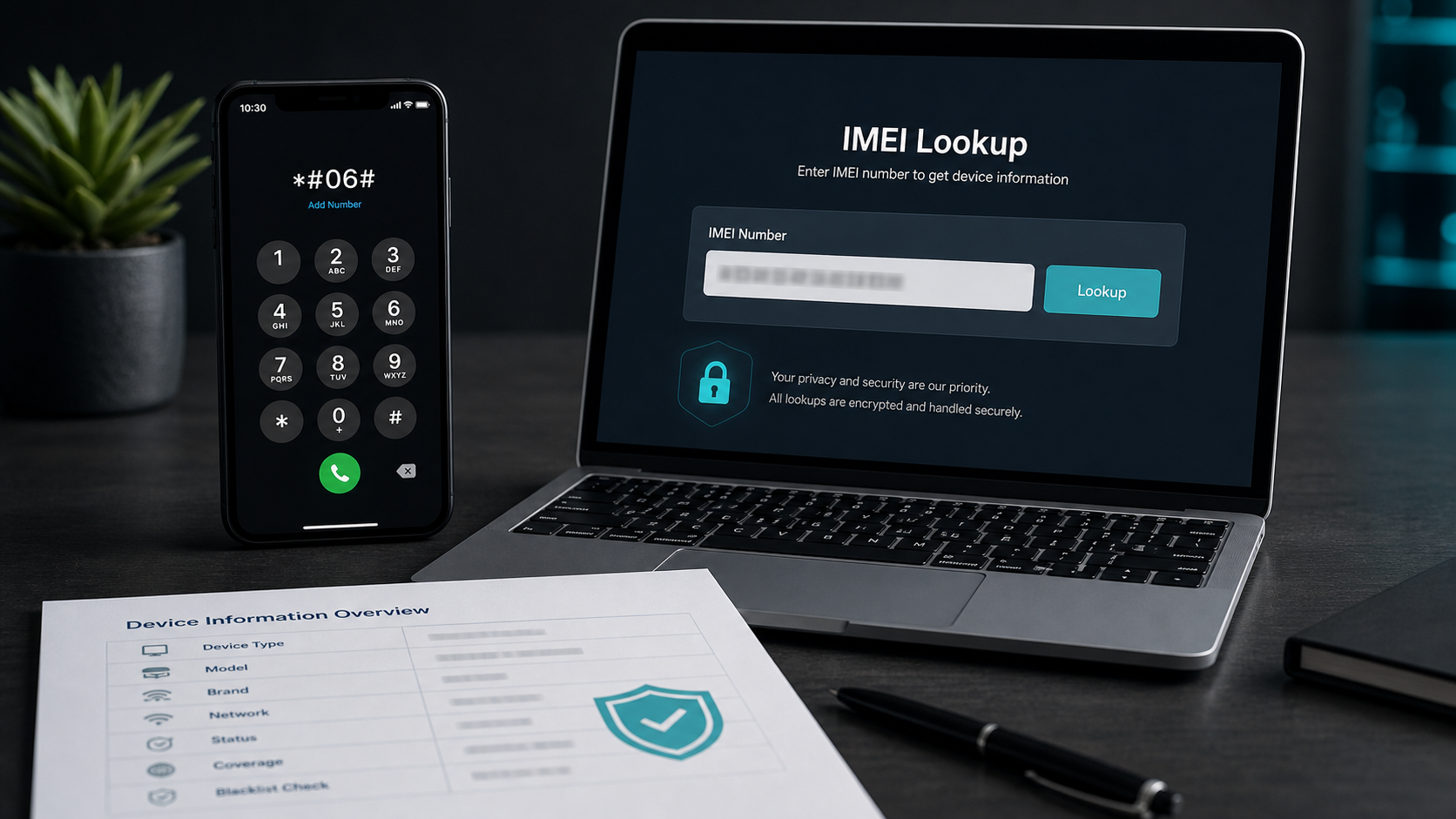
The standard user method is manual. On many phones, open the Phone app and dial *#06#. The device should display the IMEI, MEID, or ESN where applicable. You can also look in the device settings, the original box, a purchase invoice, carrier account details, or physical labels on some older devices and SIM trays.
For iPhone, check Settings, General, About. For Android, check Settings, About phone, or similar device information screens depending on brand and software version. Dual-SIM phones may show two IMEI numbers because each cellular radio/SIM slot can have its own identifier.
What you can do with an IMEI
Once you have the IMEI, you can use it to verify the device model, check whether the phone may be blacklisted, support a warranty or repair conversation, compare the reported model with the phone in your hand, or make a more informed decision before buying a used device. IMEI is especially useful in second-hand phone checks because it can reveal inconsistencies that are not obvious from the outside.
For trusted IMEI data and phone identity checks, use IMEI.info. It is a long-standing IMEI information source for model lookup, device details, and related phone-check services.
How IMEI relates to MyDevice.info
Think of MyDevice.info as a browser visibility tool. It shows what your current browser session can expose: screen details, privacy settings, permissions, capability checks, and environment signals. IMEI belongs to a different layer: cellular equipment identity. Those two worlds meet when users want to understand a phone, but they are not accessible through the same technical path.
That separation is healthy. A website can help you understand your browser and guide you toward a safe IMEI check, but it should not silently extract a permanent cellular identifier. MyDevice.info keeps that line clear: browser-exposed data is shown in the dashboard, while IMEI checks require you to enter the number yourself.
If you want to check an IMEI, first find it on the phone with *#06# or the system settings, then use a trusted service such as IMEI.info.